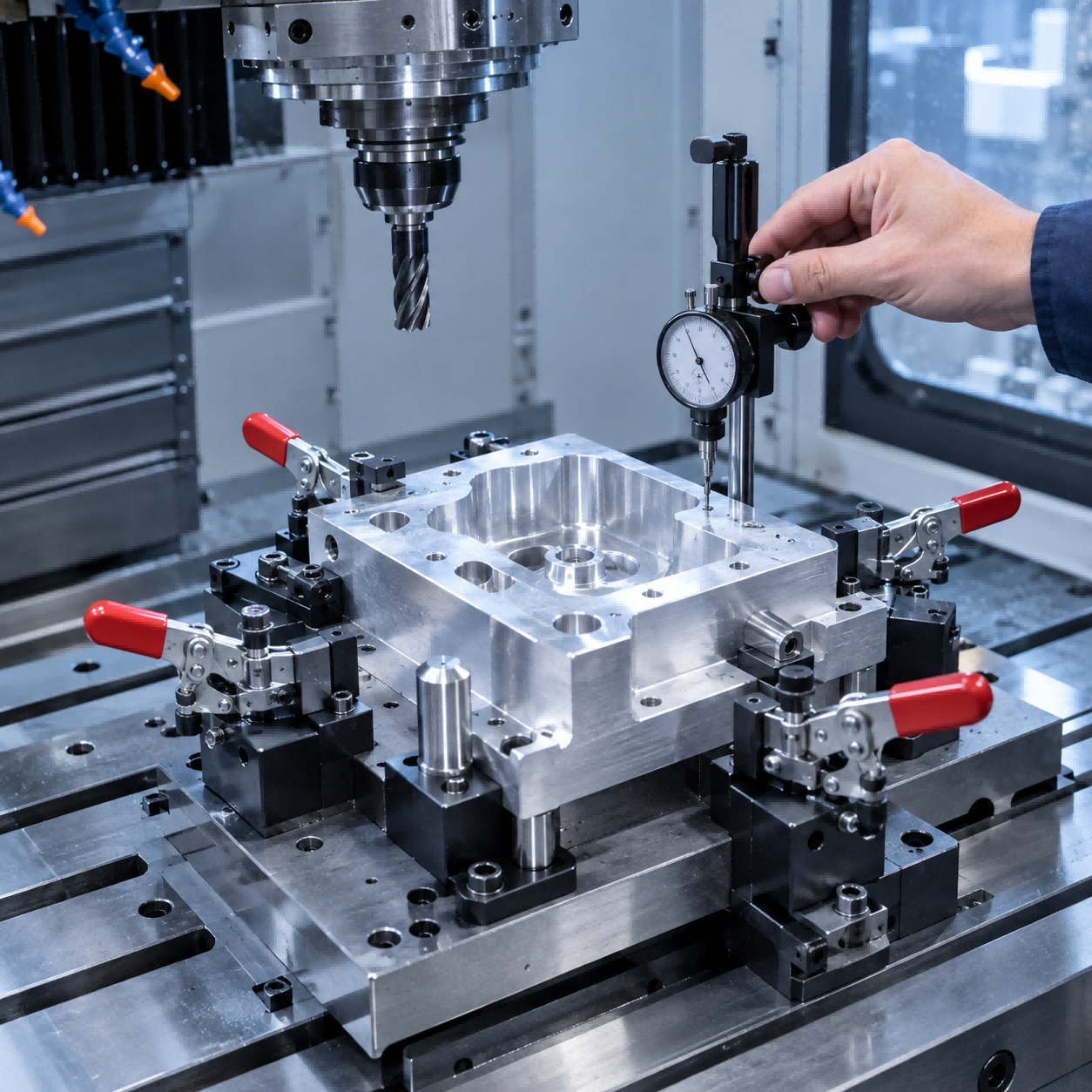
Engineering Drawing & DFM Analysis: The First Step to Accurate CNC Parts
Engineering Drawing & DFM Analysis: The First Step to Accurate CNC Parts
Learn how to prepare engineering drawings and why Design for Manufacturability (DFM) is critical for cost, quality, and fast delivery.
Get a Free DFM ReviewEvery successful CNC machining project starts with a clear, complete engineering drawing. But a drawing alone isn't enough—it must also be reviewed for manufacturability. At Opicreate, we perform a DFM (Design for Manufacturability) analysis on every design we receive. This guide explains what a good drawing includes and how DFM analysis prevents costly mistakes before production begins.
What Is an Engineering Drawing for CNC Machining?
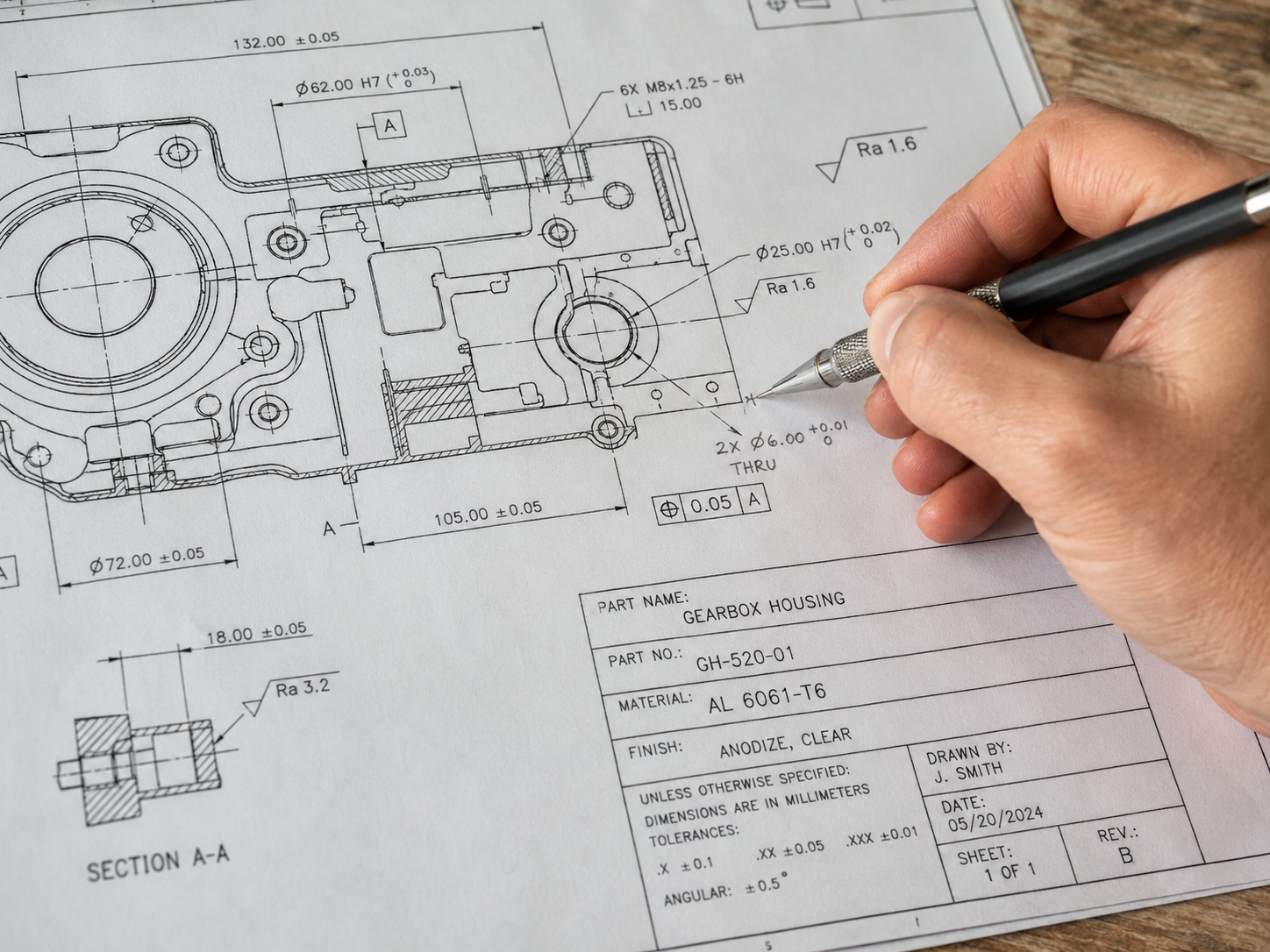
An engineering drawing is the technical blueprint of your part. It communicates all the information our machinists need to produce the component exactly as intended. A complete drawing includes:
- Dimensions – All critical sizes, hole positions, and angles
- Tolerances – Allowable variation for each dimension
- Material specification – Exact alloy or plastic grade
- Surface finish requirements – Ra values or special finishes
- Notes – Any special instructions, thread specs, or references
We accept the following file formats:
2D Drawings
- DWG
- DXF
3D Models
- STEP (.step, .stp)
- IGES (.igs)
- SolidWorks (.sldprt)
- STL (for reference)
Providing both a 2D drawing and a 3D model is ideal—the model helps with CAM programming, while the drawing defines tolerances and critical features.
What Is DFM Analysis?
DFM stands for Design for Manufacturability. It is a systematic review of your design to identify potential manufacturing problems before any cutting starts. Our engineers examine your drawing and model for issues that could increase cost, delay delivery, or compromise quality.
During DFM analysis, we check:
- Machinability – Can every feature be produced with our CNC equipment?
- Tolerance realism – Are the specified tolerances actually achievable, or unnecessarily tight?
- Undercuts & impossible geometry – Are there features that cannot be machined with standard tools?
- Material availability – Can the required material be sourced in the needed size?
- Thin walls & sharp corners – These can cause vibration, deflection, or breakage during machining.
Why DFM Analysis Saves You Time and Money
Design problems caught during DFM review are cheap to fix—usually just a quick revision to the drawing. Problems found during or after machining are expensive: scrapped parts, broken tools, and production delays. Here's what DFM analysis helps you avoid:
- Costly tool breakage – Avoiding features that stress tools unnecessarily
- Scrapped parts – Preventing dimensional errors before material is cut
- Unnecessary rework – Getting tolerances and surfaces right the first time
- Delivery delays – Eliminating back-and-forth due to design issues
Our engineers often suggest small modifications—like adding a fillet to a sharp corner or relaxing an overly tight tolerance—that reduce cost without affecting performance.
How to Send Your Design to Opicreate
Getting a DFM review and quote is simple:
- Upload your drawing or 3D model through our quote form.
- Our engineers review the design within 24 hours.
- We send you a quotation and any DFM feedback or suggested changes.
- Once approved, production begins immediately.
If you're not sure whether your design is machinable, send it anyway. Our team will assess it and advise the best approach. There's no cost for the review.
Ready to Get Your Design Reviewed?
Upload your drawing now and receive a free DFM analysis and quotation within 24 hours.
CNC Metal Material Selection Guide: Aluminum, Stainless Steel, Titanium & More
CNC Machining Process Overview: From Drawing to Finished Part
Related Article